
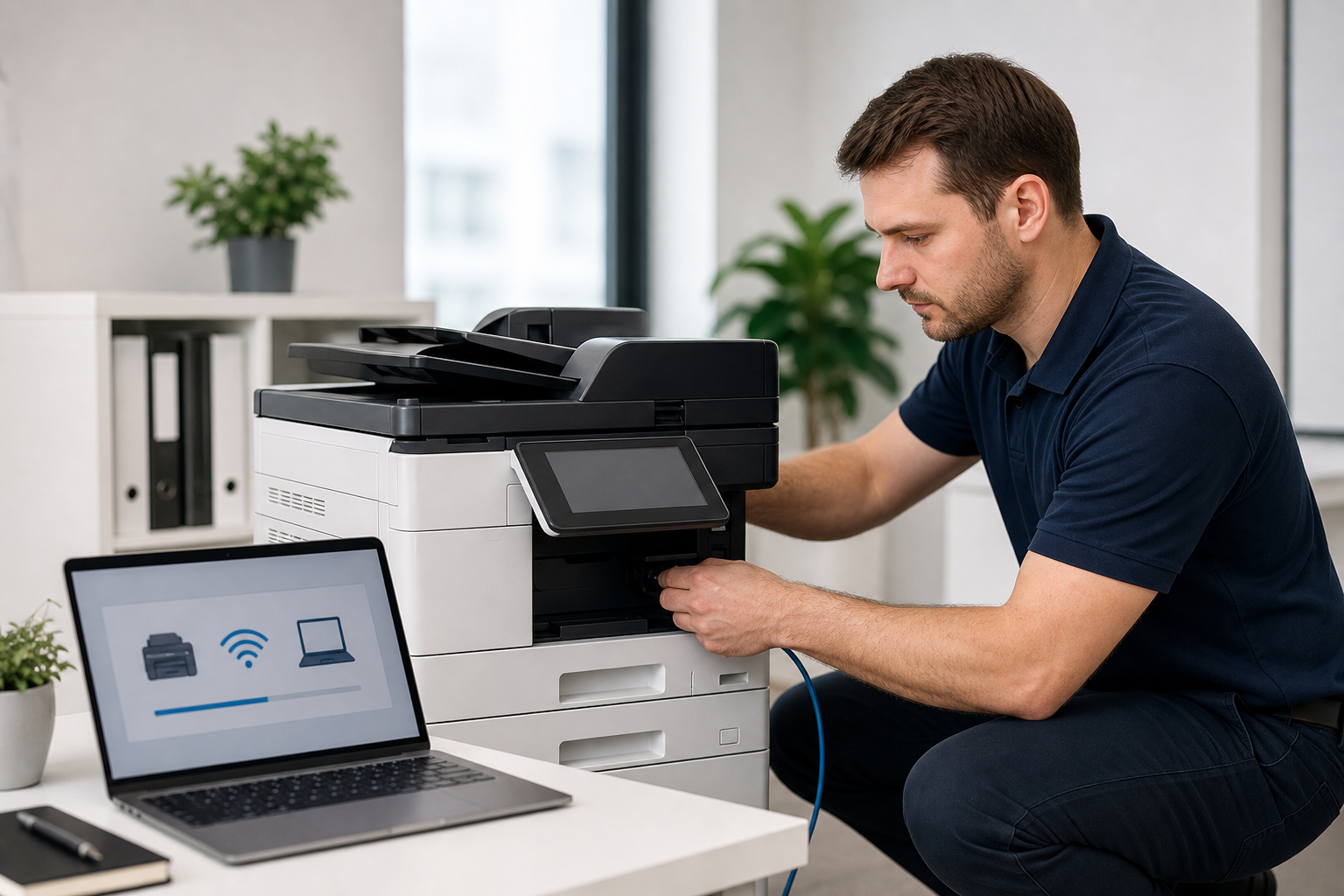
Professional Printer Setup & Installation
Printer installation that keeps office work moving
Keep business teams productive with professional printer installation, driver setup, and office deployment support. We make printers easier to use across desks, shared workstations, and everyday business workflows.
Wired or Wi-Fi
Connectivity matched to your office environment
Drivers tested
Print and scan checks on supported devices
Team handoff
Clear defaults and practical user guidance
Practical office support
Printer setup should feel simple after we leave
Set up office printers, wireless printing, drivers, and network configurations with dependable business support.
Our work is focused on the details that usually slow teams down: the correct driver, reliable connection method, clean printer names, useful defaults, scan access, and a short handoff so users know which device to choose.
Best fit for
- Small offices adding a new printer or all-in-one device
- Teams moving from personal printers to shared office printing
- Remote or hybrid staff who need reliable home office printing
- Businesses replacing old printers with updated models
- Admin teams that need scanning and copying to work predictably
Setup coverage
Complete printer setup for everyday business use
We handle the installation tasks that make a printer useful in the real world, from the first connection to the final test page.
New printer installation
We help with placement, basic assembly, power checks, ink or toner readiness, and first-print validation so the device is ready for daily use.
Wireless printer setup
We connect compatible printers to your Wi-Fi network and confirm that team members can print from supported laptops, desktops, and mobile devices.
Network printer configuration
We configure shared office printers with practical naming, IP settings where needed, and reliable access for the people who depend on them.
Printer driver installation
We install the right drivers and utilities, remove confusing duplicate printer entries, and test page size, quality, and tray selection.
Multi-function setup
We verify printing, scanning, copying, and basic scan-to-computer workflows for compatible all-in-one and business multi-function printers.
Office deployment support
We support shared teams with printer rollouts, workstation checks, handoff notes, and a setup pattern your office can keep using.
Setup process
A clean path from boxed printer to working workflow
Printer issues often come from rushed setup. We slow down the right parts, then test the result in the way your team will actually use it.
Review
We confirm printer model, office layout, internet access, user devices, and the printing workflow your team expects.
Connect
We set up USB, Ethernet, wireless, or shared network access based on the most reliable option for your environment.
Configure
We install drivers, align printer defaults, set scan preferences where available, and clean up duplicate or outdated devices.
Test
We run practical print and scan checks, then walk users through the settings they will touch most often.
Troubleshooting support
We also help when the printer is already causing friction
If printing works for one person but not another, if jobs keep sitting in the queue, or if the printer keeps dropping offline, we can review the setup and correct the common causes.
Printer appears offline even when powered on
Laptop can see the printer but jobs stay stuck in queue
Wireless printer drops from the network after setup
Wrong paper size, tray, color, or duplex defaults
Scanner works on one computer but not another
Old printer entries make users choose the wrong device
Before setup
What helps us finish the installation smoothly
Most printer setup work moves faster when a few basics are ready. If you do not have everything, we can still help you identify the missing piece and choose the next step.
- Printer model name and serial number
- Wi-Fi network name and password, if wireless setup is needed
- Admin access for computers that need driver installation
- Ink, toner, paper, and cables supplied with the printer
- Preferred location and users who need access
Questions
Printer setup FAQ
Here are the common questions businesses ask before booking printer installation or troubleshooting support.
Can you set up both wired and wireless printers?
Yes. We can configure USB, Ethernet, Wi-Fi, and shared network printer setups depending on your device, router, and office needs.
Do you install printer drivers on multiple computers?
Yes. We can install supported drivers and test printing on the business devices included in the agreed scope.
Can you help with scan and copy features?
Yes. For compatible multi-function printers, we can test printing, copying, and basic scan workflows such as scan-to-computer.
What if the printer is already installed but not working well?
We can review the current setup, remove confusing duplicates, reinstall drivers, check connectivity, and test the most common print settings.
Ready to fix printer setup?